Make it a GIF

YouTube to GIF Converter - Free, No Watermark
Make a GIF from a video on this device. For YouTube clips, YTgify works in desktop Chrome.
Your video
Turn your video into a GIF
Pick a video file, trim it, and download. No install.
Private · Free · No watermark
YouTube
Clip from YouTube
Use the extension inside Chrome on your computer.
See desktop setupShare the setup link to your notes, email, or another device.



Manual install, real YouTube workflow.
Download v1.0.19, load it in Chrome, then clip GIFs without leaving the video.
Free browser tools
Work with your own media files
Convert a video or make an existing GIF smaller. Both tools process the file locally in your browser.
Turn a video file into a GIF
Convert an MP4, MOV, or WebM clip locally — trim, caption, and download with no watermark.
Make an existing GIF smaller
Choose a target size, compare the measured result, and download the compressed GIF without an account.
Your source file stays in your browser
See YTgify in live action
See it in action
YTgify adds lightweight controls directly inside YouTube, with GIF settings designed for fast sharing.
Ready to add it to Chrome?
Download the ZIP, load it unpacked, then make GIFs from the YouTube player.
Manual Chrome install
Install the YTgify extension
YTgify runs as an unpacked Chrome extension. The setup is the same flow developers use when testing extensions locally, and it keeps the GIF workflow right where you watch videos.
Chrome ZIP file, about 330 KB. Manual installs update when you download and load a newer ZIP.
Common install tips
- Extract the ZIP before loading it.
- Choose the extracted folder, not the ZIP file.
- Use the reload icon after loading a newer version.
Chrome install walkthrough
chrome://extensionsStep 1
Go to chrome://extensions
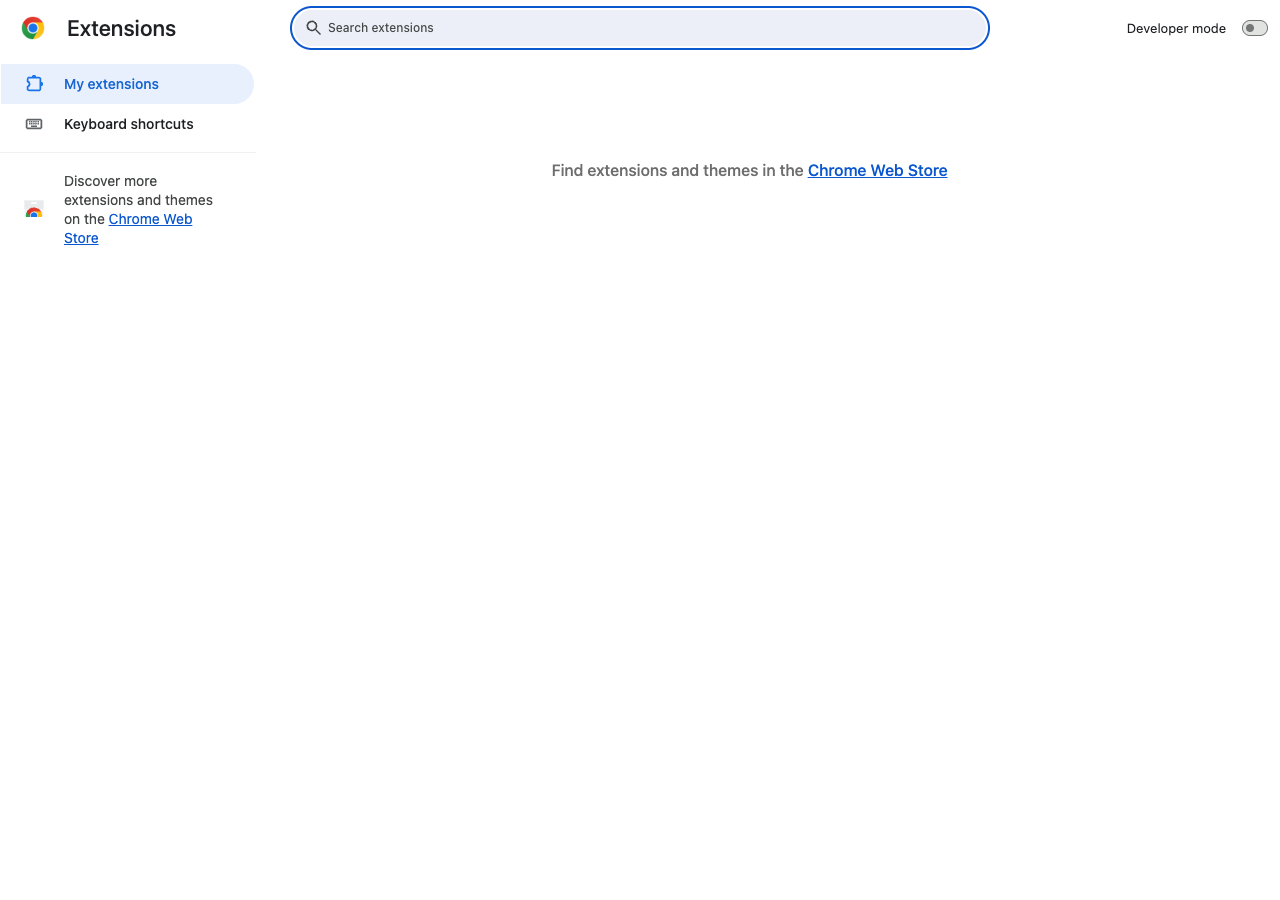
Double-click the screenshot to enlarge it
This is Chrome's built-in extensions manager. It is where local extensions are loaded and updated.
Make your first GIF
Open a supported YouTube video and use the YTgify button in the player.
Verified guides
Get a better GIF on the first export
These guides are checked against YTgify v1.0.19 and cover the workflow, settings tradeoffs, and local-processing boundary.
Create a GIF step by step
Install v1.0.19, select a YouTube moment, tune it, and save the result.
Read guide →Choose resolution, FPS, and length
Use practical starting points for smaller files, smoother motion, or clearer detail.
Read guide →Understand local, no-watermark processing
See what stays on your device and which current product limits apply.
Read guide →YouTube to GIF FAQ
Common questions, answered
The short version of how YTgify works, what it costs, and what happens to your video.
How do I turn a YouTube video into a GIF?
Install YTgify in Chrome, open a YouTube video, choose the moment you want, set the GIF length and quality, then export and download the GIF. The workflow stays in your browser.
Is YTgify free to use?
Yes. YTgify is free and open source. It does not add a watermark or require an account.
Does YTgify upload my video?
No. GIF creation happens locally in your browser, so YTgify does not upload the video or finished GIF to a conversion server.
Can I add text and change GIF quality?
Yes. You can add a text overlay and adjust the frame rate, resolution, and clip timing before exporting.
Why does YTgify require a manual Chrome install?
The current Chrome release is distributed as a ZIP. After extracting it, enable Developer mode on the Chrome extensions page and load the extracted folder as an unpacked extension.